Accessible Web Design for SEO
Learn how accessibility basics can improve your website
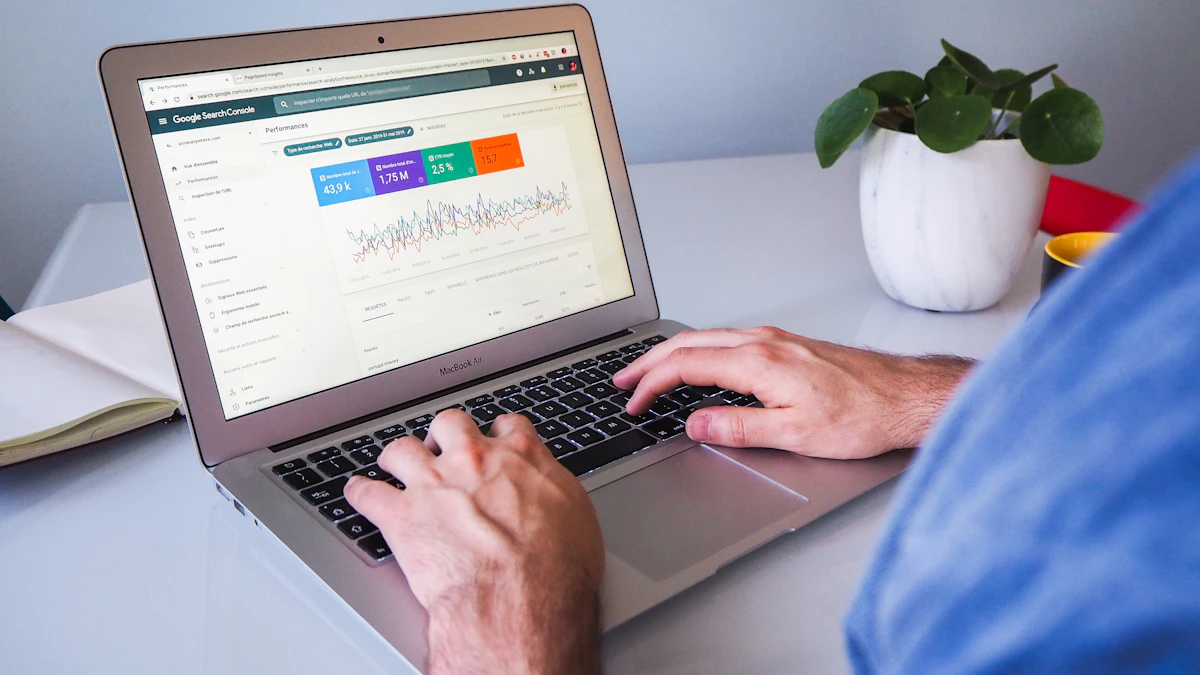
Photo by Myriam Jessier on Unsplash
As a web designer serving Atlanta and all of Georgia, I've seen firsthand the impact that accessible web design can have on a website's success. Not only does it improve the user experience for visitors with disabilities, but it also has a positive effect on search engine optimization (SEO). In this article, we'll explore the accessibility basics that can help your website rank higher and attract more visitors.
Understanding Accessibility Basics
When we talk about accessibility, we're referring to the practice of making your website usable by as many people as possible, regardless of their abilities or disabilities. This includes visual, auditory, motor, and cognitive disabilities. By incorporating accessibility features into your web design, you can ensure that all users have an equal opportunity to access and use your website.
One of the most important accessibility basics is providing alternative text for images. This allows screen readers to describe the image to users who are blind or have low vision. It's also beneficial for SEO, as search engines can crawl and index the alt text, improving your website's visibility in image search results.
Benefits of Accessibility for SEO
While accessibility is often associated with improving the user experience, it also has a significant impact on SEO. By incorporating accessibility features into your web design, you can improve your website's crawlability, indexability, and overall visibility in search engine results.
For example, using header tags (H1, H2, H3, etc.) to structure your content can help search engines understand the hierarchy of your page, making it easier for them to crawl and index your content. Similarly, providing closed captions for audio and video content can improve your website's accessibility and also provide additional text for search engines to crawl.
Implementing Accessibility Features
So, how can you implement accessibility features into your web design? One of the easiest ways is to use semantic HTML, which provides a clear structure to your content and makes it easier for screen readers to navigate. You can also use ARIA attributes to provide additional information about dynamic content, such as menus and modal windows.
In addition to these technical considerations, it's also important to think about the visual design of your website. Using high contrast colors and clear typography can make your website more readable and accessible to users with visual impairments. You can also use tools like web design tools to help you create an accessible and visually appealing website.
Best Practices for Accessible Web Design
- Use semantic HTML to provide a clear structure to your content
- Provide alternative text for images
- Use high contrast colors and clear typography
- Provide closed captions for audio and video content
- Use ARIA attributes to provide additional information about dynamic content
Real-World Examples of Accessible Web Design
In a recent project for a restaurant client in Atlanta, we implemented a number of accessibility features to improve the user experience and SEO of their website. We used semantic HTML to provide a clear structure to their content, and provided alternative text for all images. We also used high contrast colors and clear typography to make the website more readable.
The result was a website that was not only more accessible to users with disabilities, but also more visible in search engine results. The client saw an increase in website traffic and online orders, and was able to reach a wider audience through their website.
Conclusion and Next Steps
Implementing accessibility basics can have a significant impact on your website's SEO and user experience. By incorporating accessibility features into your web design, you can improve your website's crawlability, indexability, and overall visibility in search engine results. If you're looking to improve your website's accessibility and SEO, I'd be happy to help. Contact me today to learn more about how I can help you create a more accessible and effective website.

Comments 0
Be the first to comment.