Cloud Security Gateways
Learn about cloud security gateways and identity access management for securing cloud-based web applications. Discover how to implement and configure these solu

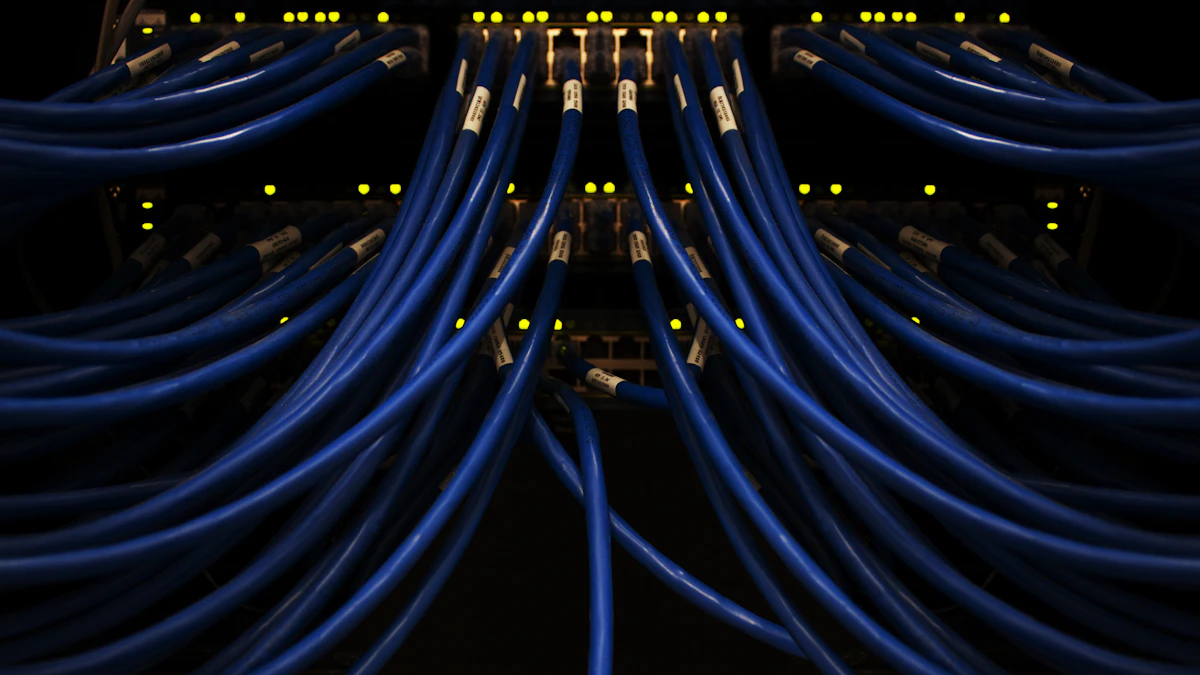
Photo by Mika Baumeister on Unsplash
As a web developer, I've seen firsthand the importance of securing cloud-based web applications. With the rise of cloud computing, it's easier than ever to deploy and manage web applications, but this also introduces new security risks. In a recent project for a client in Atlanta, I worked on implementing a cloud security gateway to protect their web application from potential threats.
Introduction to Cloud Security Gateways
A cloud security gateway is a platform that provides a secure entry point for users to access cloud-based resources. It acts as a bridge between the user and the cloud, ensuring that all traffic is encrypted and authenticated. Cloud security gateways offer a range of features, including firewalls, intrusion detection systems, and encryption.
One of the key benefits of cloud security gateways is their ability to provide centralized security management. With a cloud security gateway, you can manage all of your security settings from a single dashboard, making it easier to monitor and respond to potential threats. For example, you can use a cloud security gateway to set up access controls, such as Role-Based Access Control (RBAC), to ensure that only authorized users can access your web application.
Key Features of Cloud Security Gateways
- Firewalls: Cloud security gateways include firewalls that can be configured to allow or block traffic based on predefined rules.
- Intrusion Detection Systems: Cloud security gateways include intrusion detection systems that can detect and alert on potential security threats.
- Encryption: Cloud security gateways can encrypt all traffic between the user and the cloud, ensuring that data is protected in transit.
Identity Access Management (IAM)
Identity Access Management (IAM) is a critical component of cloud security. IAM systems provide a way to manage user identities and control access to cloud-based resources. With an IAM system, you can create and manage user accounts, assign roles and permissions, and monitor user activity.
IAM systems offer a range of features, including single sign-on (SSO), multi-factor authentication (MFA), and access controls. SSO allows users to access multiple cloud-based resources with a single set of credentials, while MFA provides an additional layer of security by requiring users to provide a second form of verification, such as a code sent to their phone or a biometric scan.
Best Practices for IAM
When implementing an IAM system, there are several best practices to keep in mind. First, make sure to use strong passwords and require users to change their passwords regularly. You should also implement MFA to provide an additional layer of security. Finally, make sure to monitor user activity and review access controls regularly to ensure that only authorized users have access to your web application.
Cloud Security Gateway vs. IAM
While cloud security gateways and IAM systems are both important components of cloud security, they serve different purposes. A cloud security gateway provides a secure entry point for users to access cloud-based resources, while an IAM system provides a way to manage user identities and control access to those resources.
In a recent project, I worked with a client in the restaurant industry to implement a cloud security gateway and IAM system. The client needed to ensure that their web application was secure and that only authorized users had access to sensitive data. By implementing a cloud security gateway and IAM system, we were able to provide a secure and scalable solution that met the client's needs.
Implementation and Configuration
Implementing a cloud security gateway and IAM system requires careful planning and configuration. First, you'll need to choose a cloud security gateway and IAM system that meet your needs. There are many options available, including cloud-based and on-premises solutions.
Once you've chosen a solution, you'll need to configure it to meet your needs. This may involve setting up firewalls, intrusion detection systems, and encryption, as well as creating and managing user accounts and access controls. You may also need to integrate your cloud security gateway and IAM system with other security tools and systems, such as threat detection and incident response systems.
Example Configuration
# Configure firewall rules

firewall {

  rule 1 {

    action = allow

    protocol = tcp

    port = 80

  }

  rule 2 {

    action = deny

    protocol = udp

    port = 53

  }

}

# Configure IAM system

iam {

  user 1 {

    name = "admin"

    role = "administrator"

  }

  user 2 {

    name = "user"

    role = "user"

  }

}
Conclusion and Next Steps
In conclusion, cloud security gateways and IAM systems are critical components of cloud security. By implementing these solutions, you can provide a secure and scalable way for users to access your web application. If you're looking for help securing your web application, I invite you to contact me to discuss your needs and learn more about how I can help. Check back soon for more articles on web development and cybersecurity, and don't forget to explore my other services, including web design across Georgia.

Comments 0
Be the first to comment.