VMware Workstation Pro: Now Free for Personal Use
VMware’s desktop hypervisors — Workstation (Windows/Linux) and Fusion (Mac) — are now free for personal use. If you have ever wanted to spin up virtual machines to learn, test or break things safely, this is the easiest time to start.
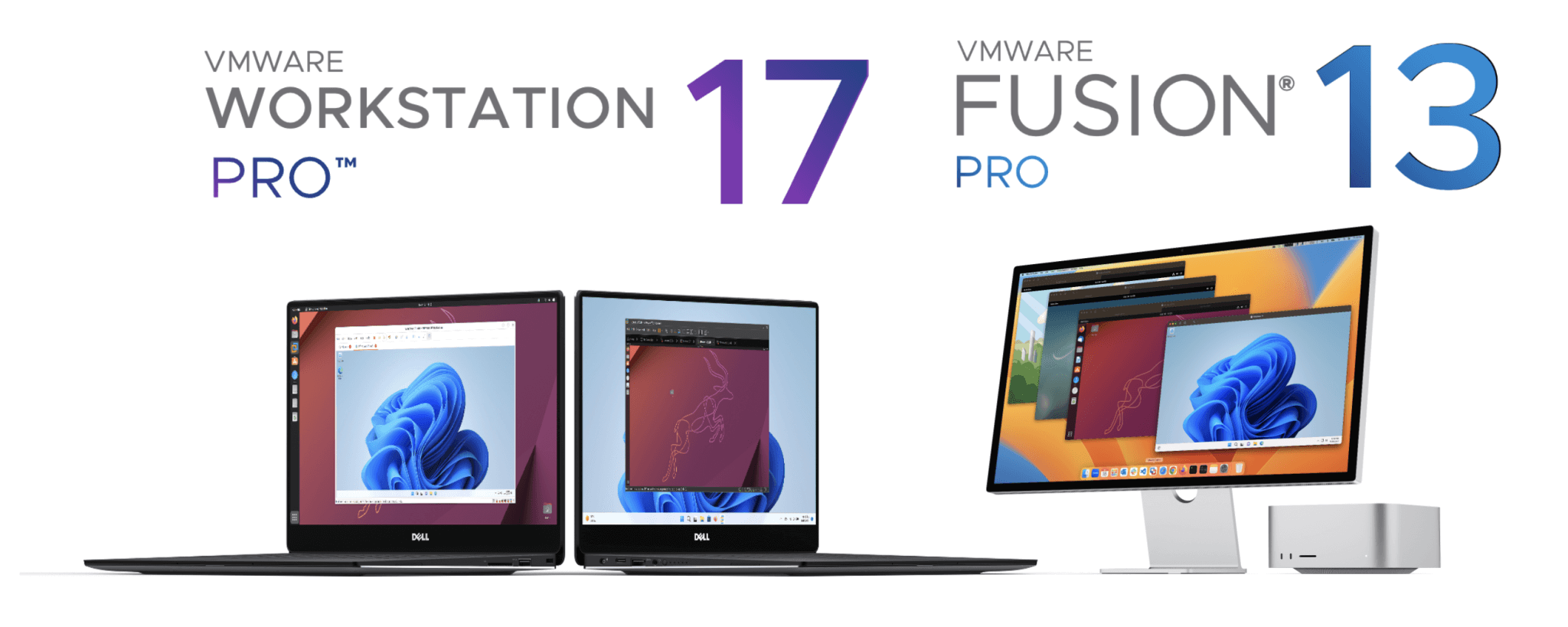
What a desktop hypervisor actually does
VMware Workstation and Fusion let you run full virtual machines right on your own computer. Millions of people use them every day on Windows, Linux and Mac to create quick, isolated “computers inside their computer.”
That sandbox is perfect for:
- Installing and trying other operating systems (Linux distros, older Windows, etc.) without touching your main setup.
- Building and testing software, complex multi-server setups, browsers, apps and even games in a clean environment.
- Learning networking, security and system administration where a mistake just means deleting a VM — not reinstalling your laptop.
What changed under Broadcom
After Broadcom acquired VMware, one of the most welcome changes was making these desktop products free for personal use. Previously a paid “Pro” license, Workstation Pro and Fusion Pro can now be downloaded and used at home at no cost — a big win for students, hobbyists and anyone getting into virtualization.
Commercial use still requires a paid license, but for learning and personal projects you get the full Pro feature set for free.
Get it
Download the latest Workstation or Fusion directly from the official source, create a free Broadcom account, and choose the free personal-use license during setup.
Tip: after installing, give each VM a sensible amount of RAM and CPU cores (about half your machine’s resources is a safe starting point), and take a snapshot before any risky change so you can roll back in seconds.