Semantic HTML for Accessibility
Mastering semantic HTML for enhanced website accessibility and SEO. Learn how to use semantic HTML elements to improve your website
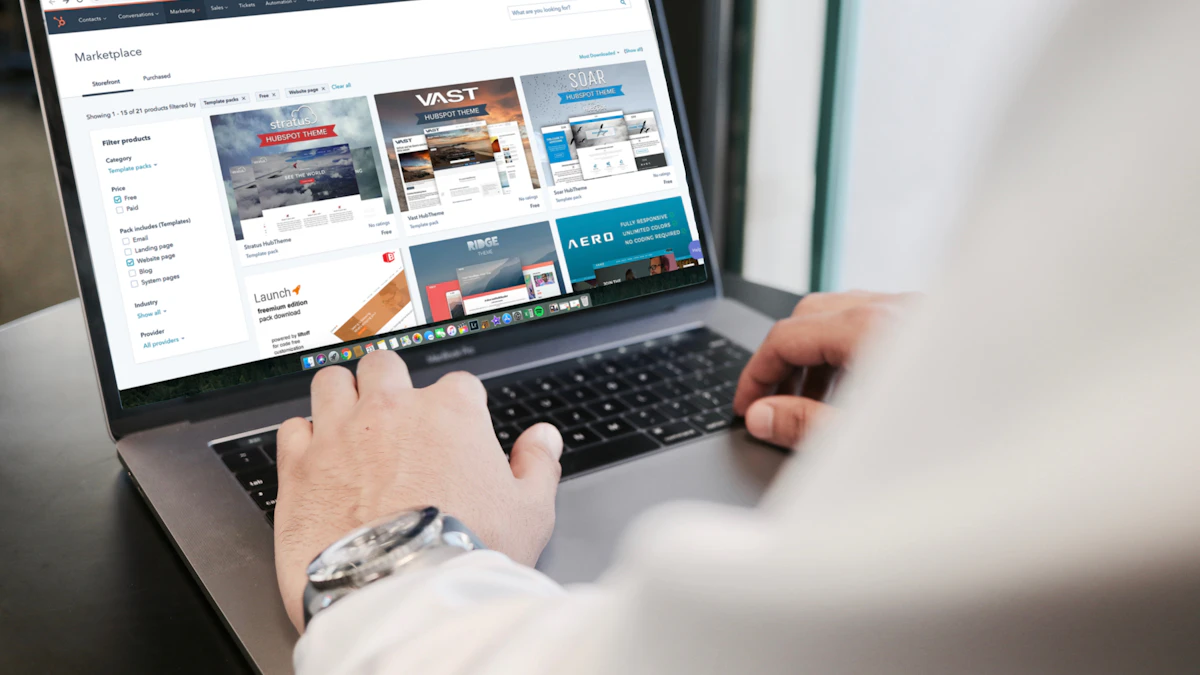
Photo by Campaign Creators on Unsplash
As a web designer and developer based in Woodstock, GA, I've seen firsthand the impact that semantic HTML can have on a website's accessibility and search engine optimization (SEO). In this article, we'll explore the world of semantic HTML and how it can improve your website's visibility and user experience. Whether you're a seasoned developer or just starting out, mastering semantic HTML is essential for creating a website that is both accessible and search engine friendly.
What is Semantic HTML?
Semantic HTML is a way of writing HTML that emphasizes the meaning of the content, rather than just its presentation. It's about using the right HTML elements to convey the structure and purpose of the content, rather than relying on generic elements like div and span. By using semantic HTML, you can create a website that is more accessible, maintainable, and search engine friendly.
For example, instead of using a div element to create a header, you can use the header element. This tells search engines and screen readers that the content inside the element is a header, and they can use that information to improve the user experience. Similarly, you can use the nav element to create a navigation menu, or the main element to define the main content of the page.
Benefits of Semantic HTML
- Improved accessibility: Semantic HTML helps screen readers and other assistive technologies understand the structure and purpose of the content, making it easier for users with disabilities to navigate and interact with the website.
- Better SEO: Search engines can use semantic HTML to better understand the content and structure of the website, which can improve its visibility and ranking in search results.
- Easier maintenance: Semantic HTML makes it easier to maintain and update the website, as the structure and purpose of the content are clearly defined.
Common Semantic HTML Elements
There are many semantic HTML elements to choose from, each with its own specific purpose and meaning. Some common elements include:
header: defines the header of the page or sectionnav: defines a navigation menumain: defines the main content of the pagesection: defines a self-contained section of related contentarticle: defines an independent piece of content, such as a blog post or news articleaside: defines a piece of content that is related to the main content, but not essential to it
In a recent project for a restaurant client in Atlanta, I used semantic HTML to create a website that was both accessible and search engine friendly. By using elements like header, nav, and main, I was able to create a clear and consistent structure for the content, which improved the user experience and search engine ranking.
Best Practices for Using Semantic HTML
Here are some best practices to keep in mind when using semantic HTML:
- Use the right element for the job: choose the element that best describes the purpose and meaning of the content.
- Be consistent: use the same elements consistently throughout the website to create a clear and consistent structure.
- Don't overuse elements: use elements sparingly and only when necessary, to avoid cluttering the HTML and making it harder to maintain.
<header>

   <nav>

      <ul>

         <li><a href="#">Home</a></li>

         <li><a href="#">About</a></li>

         <li><a href="#">Contact</a></li>

      </ul>

   </nav>

</header>
Tools and Resources for Semantic HTML
There are many tools and resources available to help you learn and implement semantic HTML. Some popular resources include:
- HTML5 specification: the official specification for HTML5, which includes information on semantic HTML elements and attributes.
- W3C validation tool: a tool that allows you to validate your HTML and ensure that it is using semantic HTML elements correctly.
- Accessible web design tutorials: tutorials and guides that teach you how to create accessible and semantic HTML.
Conclusion
Mastery of semantic HTML is essential for creating a website that is both accessible and search engine friendly. By using the right elements and following best practices, you can create a website that is easy to navigate and understand, and that provides a good user experience. If you need help with your website, or want to learn more about semantic HTML and web design across Georgia, feel free to contact me for more information. Check back soon for more articles on web design and development, and don't forget to check out my other services, including web design in Georgia and kitchen cabinet web design.


Comments 0
Be the first to comment.