Optimize Images for SEO
Learn how to optimize website images for SEO and page speed using modern image compression and lazy loading techniques
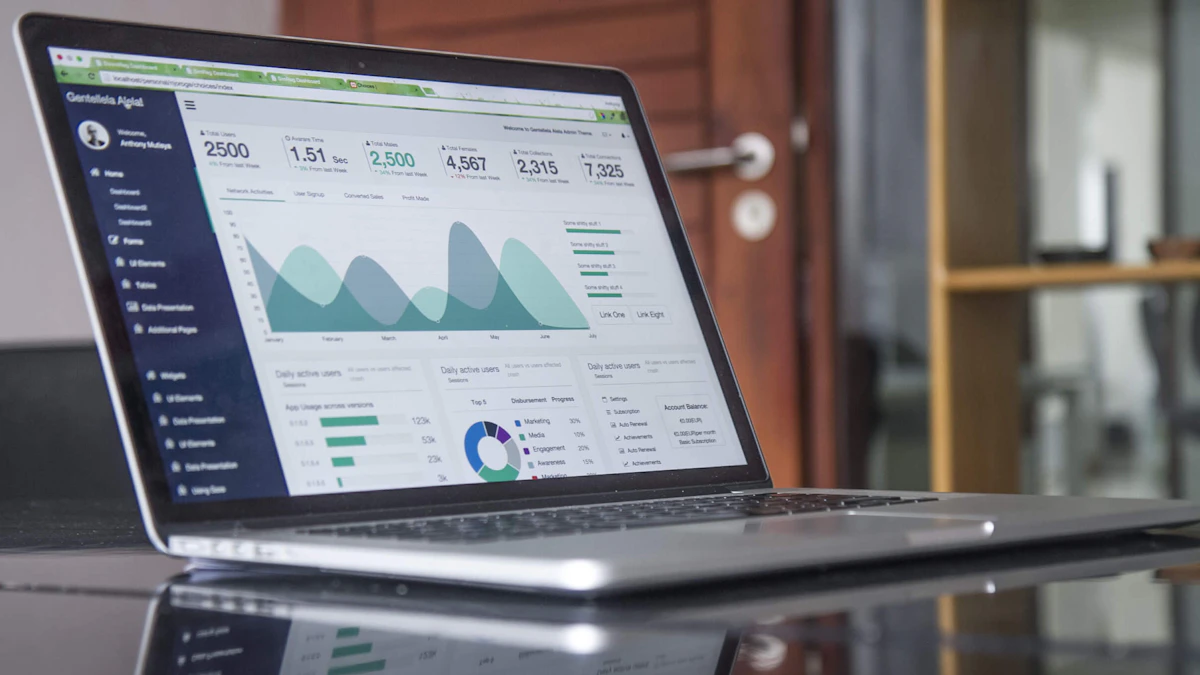
Photo by Carlos Muza on Unsplash
As a web designer and developer, I've seen firsthand how optimizing website images can make a huge difference in page speed and search engine rankings. In this article, we'll explore the best ways to compress and lazy load images for a faster, more efficient website. Whether you're a seasoned developer or just starting out, you'll learn how to put these techniques into practice and take your website to the next level.
Why Image Optimization Matters
Images are one of the largest contributors to page weight, and can significantly slow down your website if not optimized properly. According to Google, a delay of just one second in page load time can result in a 7% reduction in conversions. By optimizing your images, you can improve page speed, reduce bounce rates, and increase overall user engagement.
In addition to page speed, image optimization also plays a crucial role in search engine rankings. Google's algorithm takes into account the speed and performance of your website when determining its ranking, so optimizing your images can help improve your website's visibility in search results.
Modern Image Compression Techniques
There are several image compression techniques available, each with its own strengths and weaknesses. Some popular options include JPEGmini, ImageOptim, and ShortPixel. These tools use advanced algorithms to compress images without sacrificing quality, resulting in significantly smaller file sizes.
For example, let's say you have an image that's 1000x1000 pixels in size, and weighs in at 500KB. Using an image compression tool like JPEGmini, you could compress the image down to 200KB without noticeable loss of quality. This reduces the file size by 60%, making it much faster to load on your website.
Choosing the Right Image Format
When it comes to image formats, there are several options to choose from, including JPEG, PNG, GIF, and WebP. Each format has its own strengths and weaknesses, and choosing the right one can make a big difference in image quality and file size. For example, JPEG is a good choice for photographs, while PNG is better suited for graphics and illustrations.
Lazy Loading Techniques
Lazy loading is a technique that involves loading images only when they come into view, rather than loading them all at once when the page loads. This can significantly improve page speed, especially on pages with a lot of images.
There are several lazy loading libraries available, including Lazy Load, IntersectionObserver, and lozad.js. These libraries use JavaScript to detect when an image is in view, and then load it accordingly.
// Example of lazy loading using IntersectionObserver

   const observer = new IntersectionObserver((entries) => {

     if (entries[0].isIntersecting) {

       // Load the image

       const img = entries[0].target;

       img.src = img.dataset.src;

       observer.unobserve(img);

     }

   }, { threshold: 1.0 });

   observer.observe(document.querySelectorAll('.lazy-load')[0]);
Putting it all Together
By combining modern image compression techniques with lazy loading, you can create a website that's both fast and efficient. Whether you're a seasoned developer or just starting out, optimizing your website's images is a simple and effective way to improve page speed and search engine rankings.
As a web designer and developer based in Woodstock, GA, I've helped numerous clients across Georgia and the US improve their website's performance and search engine rankings. If you're looking for help with your own website, get in touch with me today to learn more about how I can help.
Conclusion
In conclusion, optimizing website images is a crucial step in improving page speed and search engine rankings. By using modern image compression techniques and lazy loading, you can create a website that's both fast and efficient. Whether you're a seasoned developer or just starting out, I hope this article has provided you with the knowledge and inspiration you need to take your website to the next level.
Thanks for reading, and I look forward to sharing more tips and insights on web design and development in the future. If you have any questions or need help with your own website, don't hesitate to reach out. You can also learn more about my services and expertise on my about page.

Comments 0
Be the first to comment.