Optimizing Internal Linking
Improve user experience and search engine rankings by optimizing your website
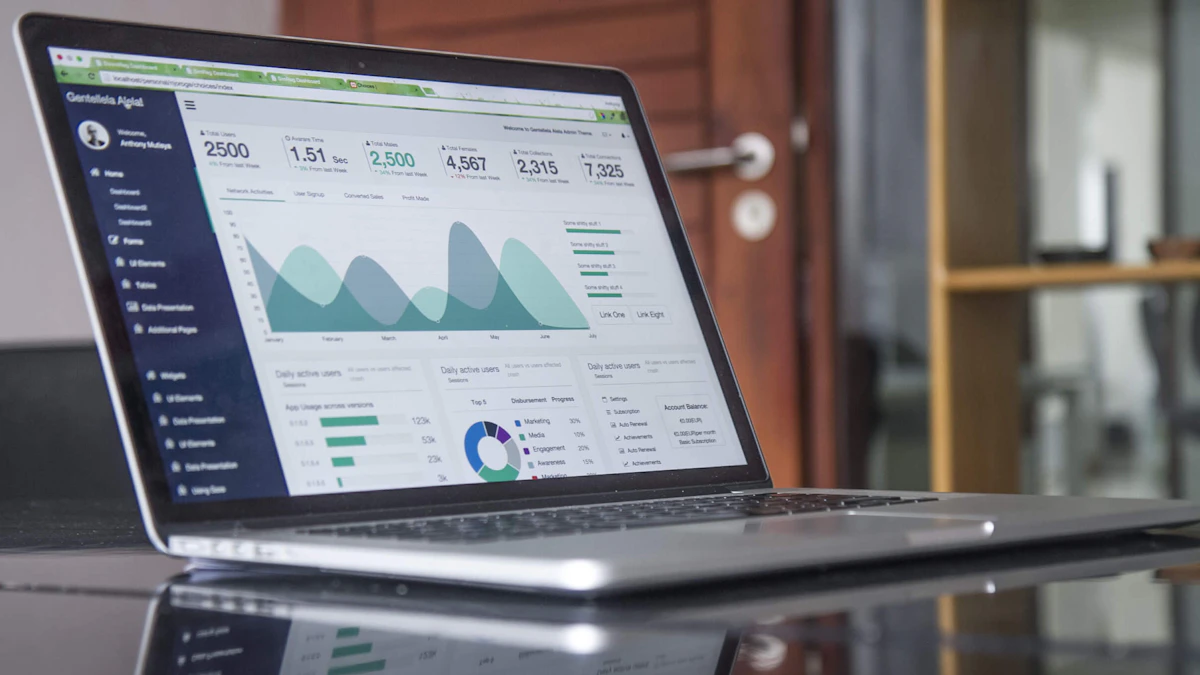
Photo by Carlos Muza on Unsplash
As a web designer and developer serving clients across Georgia, I've seen firsthand the impact that a well-structured internal linking system can have on user experience and search engine rankings. In this article, we'll dive into the importance of internal linking and provide practical tips for optimizing your website's structure. A recent project for a kitchen cabinet client in Atlanta highlighted the need for clear and consistent internal linking to improve both usability and search engine crawlability.
Understanding Internal Linking
Internal linking refers to the process of linking to other pages within your website. This helps users navigate your site, find related content, and understand your site's hierarchy. It also assists search engines in crawling and indexing your pages, which can improve your website's visibility in search results.
A well-structured internal linking system should be easy to follow and understand. This means using clear and descriptive anchor text, avoiding excessive linking, and ensuring that all pages are accessible from the main navigation. In my experience, a simple and consistent approach to internal linking is key to avoiding confusion and ensuring that both users and search engines can find what they're looking for.
Creating a Clear Hierarchy
To optimize your internal linking structure, it's essential to create a clear hierarchy of pages. This involves categorizing your content into main topics, subtopics, and related pages. By doing so, you'll be able to create a logical flow of links that helps users and search engines navigate your site.
For example, if you have an e-commerce website, your main categories might include 'Products', 'About Us', and 'Contact'. Within the 'Products' category, you might have subcategories for different product types, such as 'Kitchen Cabinets' or 'Bathroom Vanities'. By linking these subcategories to the main 'Products' page, you're creating a clear hierarchy that makes it easy for users and search engines to find what they're looking for.
Using Breadcrumbs and Anchor Text
Breadcrumbs and anchor text are two essential elements of a well-structured internal linking system. Breadcrumbs provide a visual representation of the page hierarchy, making it easy for users to navigate back to previous pages. Anchor text, on the other hand, provides a descriptive text for the link, helping users and search engines understand the content of the linked page.
<a href="/products/kitchen-cabinets">Kitchen Cabinets</a>In this example, the anchor text 'Kitchen Cabinets' provides a clear description of the linked page, making it easy for users and search engines to understand the content.
Enhancing Crawlability
Internal linking also plays a crucial role in enhancing crawlability. By providing a clear and consistent structure, you're making it easier for search engines to crawl and index your pages. This can improve your website's visibility in search results and increase the chances of ranking for relevant keywords.
To enhance crawlability, it's essential to use a logical and consistent approach to internal linking. This means avoiding excessive linking, using descriptive anchor text, and ensuring that all pages are accessible from the main navigation.
Using Sitemaps and Robots.txt
Sitemaps and robots.txt files are two essential tools for enhancing crawlability. Sitemaps provide a list of all pages on your website, making it easy for search engines to discover and crawl new content. Robots.txt files, on the other hand, provide instructions for search engines on which pages to crawl and which to avoid.
By using sitemaps and robots.txt files, you can ensure that search engines are crawling and indexing the most important pages on your website, while avoiding unnecessary pages that might slow down the crawling process.
Common Mistakes to Avoid
When it comes to internal linking, there are several common mistakes to avoid. One of the most common mistakes is excessive linking, which can confuse users and dilute the value of your links. Another mistake is using generic anchor text, such as 'Click here', which provides no descriptive value for users or search engines.
- Avoid excessive linking
- Use descriptive anchor text
- Ensure all pages are accessible from the main navigation
By avoiding these common mistakes, you can create a well-structured internal linking system that enhances user experience and search engine rankings.
Conclusion and Next Steps
In conclusion, optimizing your website's internal linking structure is essential for improving user experience and search engine rankings. By creating a clear hierarchy, using breadcrumbs and anchor text, and enhancing crawlability, you can make your website more accessible and user-friendly.
If you're looking to improve your website's internal linking structure, I'd be happy to help. Feel free to get in touch to discuss your project and learn more about how I can assist you. Check back soon for more articles on web design and development, and don't forget to explore my services for web design across Georgia.

Comments 0
Be the first to comment.