Core Web Vitals SEO Guide
As a web designer and developer serving Atlanta and all of Georgia, I've seen firsthand the impact that Core Web Vitals can have on a website's performance…
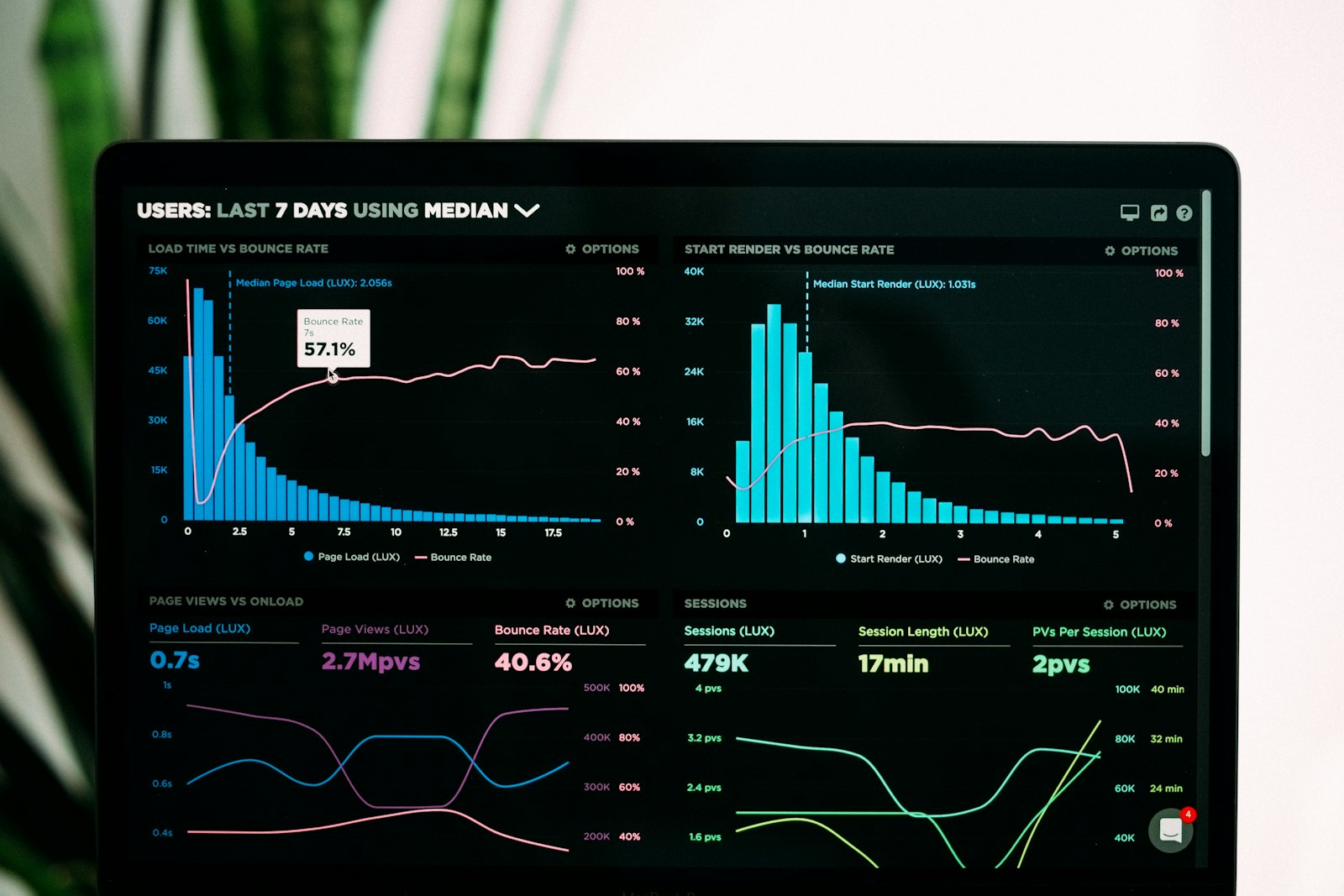
Photo by Luke Chesser on Unsplash
As a web designer and developer serving Atlanta and all of Georgia, I've seen firsthand the impact that Core Web Vitals can have on a website's performance and user experience. In this article, we'll dive into the world of technical SEO and explore how to improve your website's page experience signals. Whether you're a seasoned web developer or just starting out, this guide will provide you with the tools and knowledge you need to optimize your site for Core Web Vitals.
Understanding Core Web Vitals
So, what exactly are Core Web Vitals? In simple terms, they're a set of metrics that measure the performance and usability of a website. These metrics include Largest Contentful Paint (LCP), First Input Delay (FID), and Cumulative Layout Shift (CLS). By optimizing your website for these metrics, you can improve the overall user experience and increase engagement.
In a recent project for a kitchen cabinet client in Atlanta, we were able to improve their LCP by optimizing images and reducing the number of HTTP requests. This resulted in a noticeable improvement in page load times and a significant increase in user engagement.
Key Metrics to Focus On
- Largest Contentful Paint (LCP): Measures the time it takes for the largest content element to load.
- First Input Delay (FID): Measures the time it takes for the website to respond to user input.
- Cumulative Layout Shift (CLS): Measures the amount of layout shift that occurs during the loading process.
Optimizing Images and Media
Images and media can have a significant impact on page load times and LCP. By optimizing your images and reducing the number of HTTP requests, you can improve your website's performance and user experience. Some tips for optimizing images include:
img {

       width: 100%;

       height: auto;

   }
This code snippet sets the width of an image to 100% and the height to auto, allowing the image to scale properly and reducing the need for multiple image sizes.
Using Responsive Images
Using responsive images can help reduce the number of HTTP requests and improve page load times. By using the srcset attribute, you can specify multiple image sizes and allow the browser to choose the best one for the user's device.
Minimizing HTTP Requests
Minimizing HTTP requests is critical to improving page load times and LCP. By reducing the number of requests, you can decrease the amount of time it takes for the page to load and improve the overall user experience. Some tips for minimizing HTTP requests include:
- Combining CSS and JavaScript files
- Using a content delivery network (CDN)
- Avoiding unnecessary requests
Using a Content Delivery Network (CDN)
A CDN can help reduce the number of HTTP requests by caching frequently-used resources and reducing the distance between the user and the server. By using a CDN, you can improve page load times and reduce the amount of bandwidth used.
Improving Server Response Times
Improving server response times is critical to reducing FID and improving the overall user experience. By optimizing your server and reducing the time it takes to respond to requests, you can improve page load times and increase user engagement. Some tips for improving server response times include:
- Using a fast and reliable web hosting service
- Optimizing database queries
- Avoiding unnecessary server-side processing
Using Caching and Content Compression
Using caching and content compression can help reduce the amount of data that needs to be transferred and improve server response times. By caching frequently-used resources and compressing content, you can reduce the amount of bandwidth used and improve page load times.
Best Practices for Core Web Vitals Optimization
When it comes to optimizing your website for Core Web Vitals, there are several best practices to keep in mind. These include:
- Regularly monitoring and testing your website's performance
- Optimizing images and media
- Minimizing HTTP requests
- Improving server response times
By following these best practices and staying up-to-date with the latest developments in technical SEO, you can improve your website's page experience signals and increase user engagement.
If you're looking for help with optimizing your website for Core Web Vitals, I'd be happy to assist you. With years of experience in web design across Georgia, I can help you improve your website's performance and user experience. Contact me today to learn more about how I can help you achieve your online goals.


Comments 0
Be the first to comment.